CapCut AI Avatar: Simple Guide to Create AI Videos
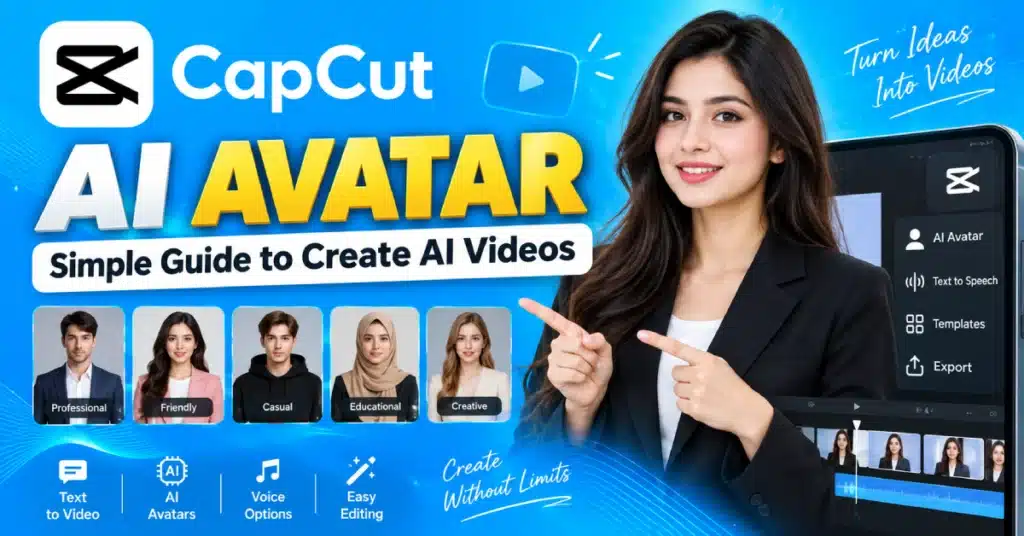
CapCut AI Avatar makes it possible to create videos with a presenter instead of recording yourself. It can be used for tutorials, helpful explanations or short videos without preparing a camera setup. CapCut Avatar works by having creators write words, choose the avatar and build the video around the digital presenter.
What Is CapCut AI Avatar?
CapCut AI Avatar is an AI video tool that lets a digital character act as your presenter. By appearing on camera yourself you can use an avatar to share your message.
This can come in handy for people who make videos regularly.
If you want to explain an editing trick you could record yourself find a quiet room set up the camera and make multiple takes. An AI avatar lets you create the presenter part without having to do all of that.
The exact avatar tools can differ between CapCut APK versions and regions. Some users may see different characters, voices, or AI options.
Why Do Creators Use AI Avatars?
The main reason is convenience.
You can create the video without appearing on camera. I also want to let you know that you can change the script without recording everything
AI avatars can be useful for:
- Short tutorials
- Educational content
- Product explanations
- Social media posts
- How-to videos
- Simple presentations
- Faceless channels
- Quick announcements
I think with its benefits an avatar is not ideal, for every video. A personal vlog or emotional story may feel more authentic when a real person appears on screen.
How to Make an AI Avatar Video?
New CapCut updates may change some button names. The basic process normally remains similar.
1. Open CapCut
Start CapCut on your supported device.
Look for the AI tools or avatar feature. If you see an AI Avatar option, open it.
If you cannot find it, the feature may not be available in your version or region.
2. Pick an Avatar
Choose a character that fits your video.
Think about who will watch the content.
For videos I feel that a simple presenter can be a better choice than a cartoon character. With entertainment content I feel that you can experiment with styles.
The avatar should fit the topic rather than distract from it.
3. Write Your Script
This is one of the most important parts.
Do not write a huge paragraph and expect it to sound natural.
Use short sentences.
For example:
“Want to make better videos? Start by fixing your lighting. Even a simple light in front of your face can make a big difference.”
That is easier for an AI voice to deliver than a long sentence packed with information.
Read your script before generating the video. You may notice a word that sounds awkward when spoken.
4. Choose a Voice
If voice options are available, listen to them before choosing one.
Pick a voice that matches your subject.
A calm voice can work well for educational content. A more lively voice may suit entertainment videos.
The voice should also be easy to understand. A fancy voice is not useful if viewers struggle to follow it.
5. Generate the Video
Once your avatar, script, and voice are ready, generate the video.
CapCut will process your settings and create the avatar clip.
Give the result a proper watch.
Sometimes a sentence may sound slightly odd, or the avatar movement may not feel right. If that happens, change the script or try another option.
How to Edit the Avatar Video?
The avatar is only one part of the finished video.
After creating it, you can use CapCut’s normal editing tools to improve the clip.
You can add:
- Captions
- Images
- Background clips
- Music
- Text
- Stickers
- Simple effects
For example, if your avatar explains how to edit a photo, show that photo on screen while the avatar talks.
That is much more useful than keeping the avatar on screen for the whole video.
Captions are also worth adding. Many people watch short videos with the sound turned off.
CapCut AI Avatar Tips for Natural Results
The script has a big effect on how natural the final video feels.
Write like you talk.
Instead of:
“Today I am going to provide information regarding the various advantages associated with video editing.”
Say:
“Today, I’ll show you a few easy video editing tips.”
The second line sounds more like normal speech.
Keep the sentences short. Add a question now and then. Use simple words.
And honestly, do not try to make the avatar say too much.
One clear idea is better than five rushed ideas.
Can You Create an Avatar From a Photo?
Depending on the current CapCut tools available to you, you may find options for custom or photo based avatars.
If you use a person’s photo, get permission first.
Using someone’s face without permission can cause privacy and trust problems. For your own content, using your own image is the safer choice.
AI features also change over time, so the available photo avatar options may not be the same in every version.
Why Is My AI Avatar Not Available?
There are a few possible reasons.
Your CapCut pro latest version may not have the feature yet. It may also be limited in your country or account.
First, check for an app update.
If the feature is still missing, it may simply not be available to you at the moment.
There is no need to install an unofficial version just to find the feature. Stick with the official app and available tools.
What Makes an AI Avatar Video Good?
A good avatar video needs more than a digital face.
The information should be useful. The voice should be easy to follow. The script should not drag on.
A simple format works well:
Start with a hook.
Tell viewers what they will learn.
Give the main information.
Keep each point short.
Show supporting visuals.
Let viewers see what you are talking about.
End clearly.
Give them one simple next step.
This approach works especially well for short educational and how-to videos.
Conclusion
CapCut AI Avatar can be a useful option when you want a digital presenter without recording yourself. Choose an avatar that suits your topic, write a short script, pick a clear voice, and add useful visuals during editing. Keep the video simple and let the information lead. That usually gives a better result than filling the screen with effects.
FAQs
What is CapCut AI Avatar?
CapCut AI Avatar is an AI feature that uses digital characters to present video content, with available tools depending on your version and region.
Can an AI avatar read my script?
Yes. Supported avatar tools can turn your written script into spoken video using available AI voice options.
Is CapCut AI Avatar free?
Access can vary. Some AI features may be free with limits, while other tools may require paid access or have usage limits.
Can I use an AI avatar for YouTube?
Yes, AI avatars can be used to create tutorials, educational videos, explainers and many other kinds of YouTube videos.
Can I make an avatar from my photo?
Some CapCut versions may offer photo based or custom avatar tools. The available options can vary by region and version.
Why can’t I see AI Avatar in CapCut?
Your version, your account, your device or your area might not have this feature. Check for updates. Look through the AI tools that are available.