CapCut Templates for Reels to Go Viral on Instagram in 2026
Creating an Instagram Reel on your own can take time. Instagram Reel production involves picking clips, trimming them at the points adding music and making the finished Instagram Reel look better.
CapCut Templates for Reels can shorten that process. A ready made template already has much of the timing and design in place. You only need to add your photos or video clips and adjust the result.
Beginners can make Reels that look better with this way without spending too much time learning each editing tool.
What Are CapCut Templates for Reels?
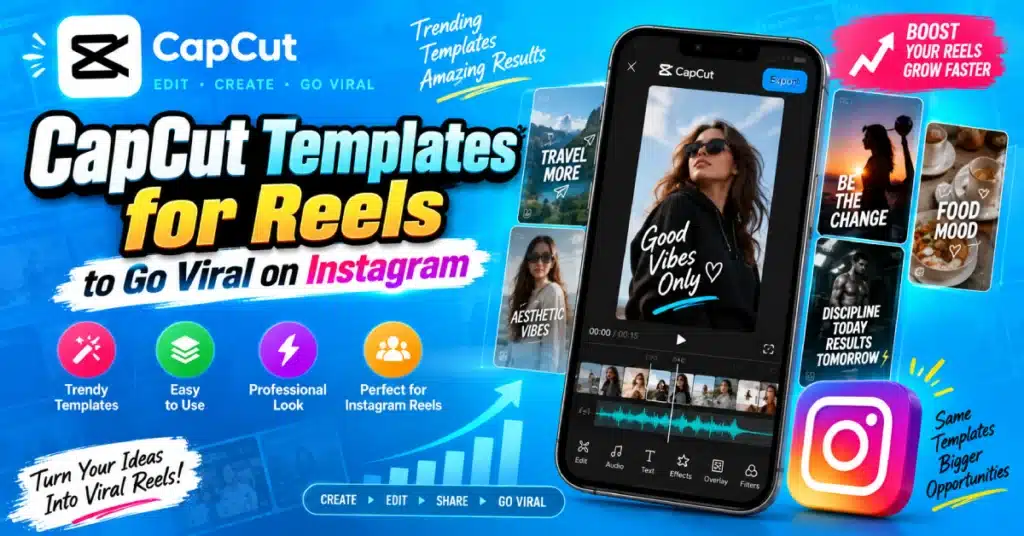
CapCut templates are pre-designed video projects made with effects, transitions, music, text, and timing. You replace the sample media with your own content.
Many templates are made for short form content, which makes them useful for Instagram Reels. Some options use cuts and powerful transitions while others stay clean and simple, for photos or basic video clips.
Templates available may change over time. The options displayed in the app may differ from those seen by another person.
How to Use CapCut Templates for Instagram Reels?
Templates provide a starting point, then creating a Reel from scratch with a blank timeline.
Find a Template
Open CapCut and check the Templates section. Search for a style that matches your content.
You can look for templates based on themes such as:
- Travel
- Fashion
- Birthday
- Family
- Food
- Fitness
- Photos
- Lifestyle
Do not choose a template only because it is popular. The timing should also suit your photos or clips.
Add Your Photos or Videos
After selecting a template, use your own media in the required slots. CapCut places the files into the existing structure. Watch the preview before exporting. A template may look perfect with its original clips but feel too fast or too slow with your footage.
Make Small Changes
You do not have to keep every part exactly as it appears. You can adjust text, replace media, change some effects, trim clips, or modify the audio when the template allows it.
These small changes help the Reel match your own style.
Pick the Right Template for Your Content
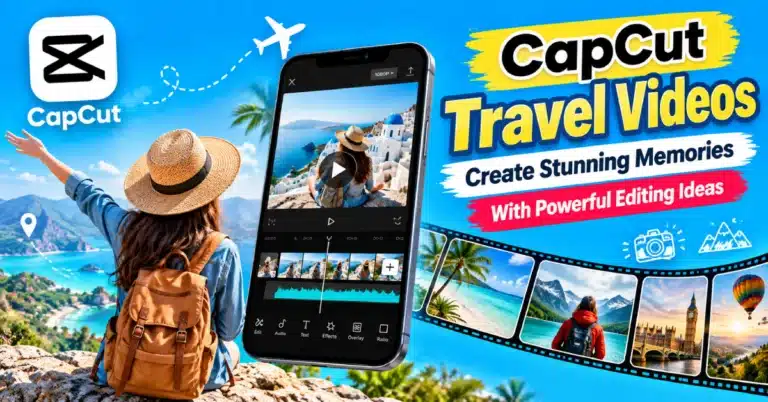
Different Reels need different editing styles. For example, a travel Reel may work well with smooth transitions and several short clips. A birthday Reel may look better with photos, text, and a slower pace.
If your video contains people talking, avoid templates that change scenes every second. The fast transitions can distract viewers from what is being said.
CapCut Templates for Reels and Video Quality
Your original media still matters. A template cannot turn a blurry or poorly lit recording into professional footage.
Before adding clips, check that:
- Your videos are clear.
- Faces are not cut off.
- Important objects stay inside the frame.
- Photos have enough resolution.
- The clips are suitable for vertical viewing.
For Instagram Reels, a vertical 9:16 layout is commonly used.
Add Your Own Text
Template text is often designed around the sample video. Replace it when it does not fit your content. Keep your wording short. Long sentences can cover important parts of the video and become difficult to read on a phone screen.
A short title, name, date, or message is often enough.
Music and Timing
Music is a major part of many CapCut templates. The beat often controls when photos change or transitions appear. If your selected clips do not match the rhythm, the finished Reel may feel awkward. Try another template when the timing does not suit your footage.
Also remember that music availability can depend on the template, region, account, and platform.
Quick Guide to Choosing a Template
| Your Content | Template Style to Try |
| Travel clips | Smooth transitions |
| Product video | Clean and simple |
| Birthday photos | Photo based |
| Fashion Reel | Beat synced |
| Food content | Fast cuts |
| Family memories | Soft transitions |
| Fitness clips | Energetic edits |
Can You Use CapCut Pro Templates?
Some templates or editing resources may be connected to premium features. If you use CapCut Pro, you may see additional effects, fonts, transitions, and other resources depending on your current version. The free CapCut video editor can still handle many basic template based edits.
If you plan to search for a CapCut Pro APK use caution, with download sites. Modified APK files may come from sources and could result in security or privacy concerns. Using the official CapCut app is the safer option.
Tips for Better Instagram Reels
A template offers a made structure but your content has a big role in how the final video looks.
Try these simple tips:
- Use clips that fit the template timing.
- Keep the opening interesting.
- Remove unnecessary footage.
- Check every text layer.
- Watch the complete Reel before posting.
- Make sure the important subject is visible in the vertical frame.
- Do not add too many extra effects.
A simple Reel can look better than one filled with effects that do not match the content.
Conclusion
CapCut Templates for Reels help simplify the Instagram video editing process. They already include transitions, music, text and timing so you can focus on adding your photos and video clips.
Start with a template that matches your content of choosing one just because it is popular. Then add a personal change before exporting the final video. That small effort can make a ready made template feel like your own Reel.
Frequently Asked Questions
Can I use CapCut templates for Instagram Reels?
Yes, CapCut offers templates for short vertical videos. They can be. Edited before sharing your finished Reel on Instagram.
Are CapCut Reels templates free?
Many templates can be used without payment, but some resources may require premium access depending on the current CapCut version.
What size should an Instagram Reel be?
A vertical 9:16 size is a choice for Instagram Reels because it fills most of the phone screen.
Can I add my own photos to a CapCut template?
Yes. You can normally change the sample photos or videos. Use your own content instead. You can then save the project.
Why does my template look different from the preview?
Your media may have different lengths, framing, or quality. The template timing can also affect how your photos and videos appear.
Can I edit a CapCut template after applying it?
Yes, Editing options depend on the template. You may change media, text, timing, audio and other elements before sharing the Reel.